✅
Headphone Battery Life by Brand✅
How to Check Headphone Battery on iPhone and Android • Check Headphone Battery Level on iPhone • Check Headphone Battery Level on Android✅ Headphone Battery Replacement
• Steps to Replace a Headphone Battery • Important: Do Not Use the Wrong Battery✅
Why Headphone Battery Drains So Fast • Features and Usage That Increase Power Consumption • Lithium Battery Aging and Capacity Loss • Improve Headphone Battery Life✅
Conclusion✅
FAQ
How to Check Headphone Battery on iPhone?
How Long Do Beats Headphones Last Battery?
How to See Headphone Battery on iPhone?
How Long Do JBL Headphones Battery Last?
Can You Replace Battery in Wireless Headphones?
Headphone battery life can vary greatly depending on the brand, model, battery capacity, and how the headphones are used. Features such as Bluetooth connectivity, Active Noise Cancellation (ANC), phone calls, and listening volume can all affect how long wireless headphones last on a single charge.
Most modern wireless headphones rely on lithium-ion or lithium-polymer cells. Their capacity, power consumption, and aging behavior are closely related to the fundamentals of lithium battery technology. This article compares headphone battery life across JBL, Bose, Beats, and Sony, explains how to check battery level on iPhone and Android, and looks at why headphone batteries may drain faster over time.
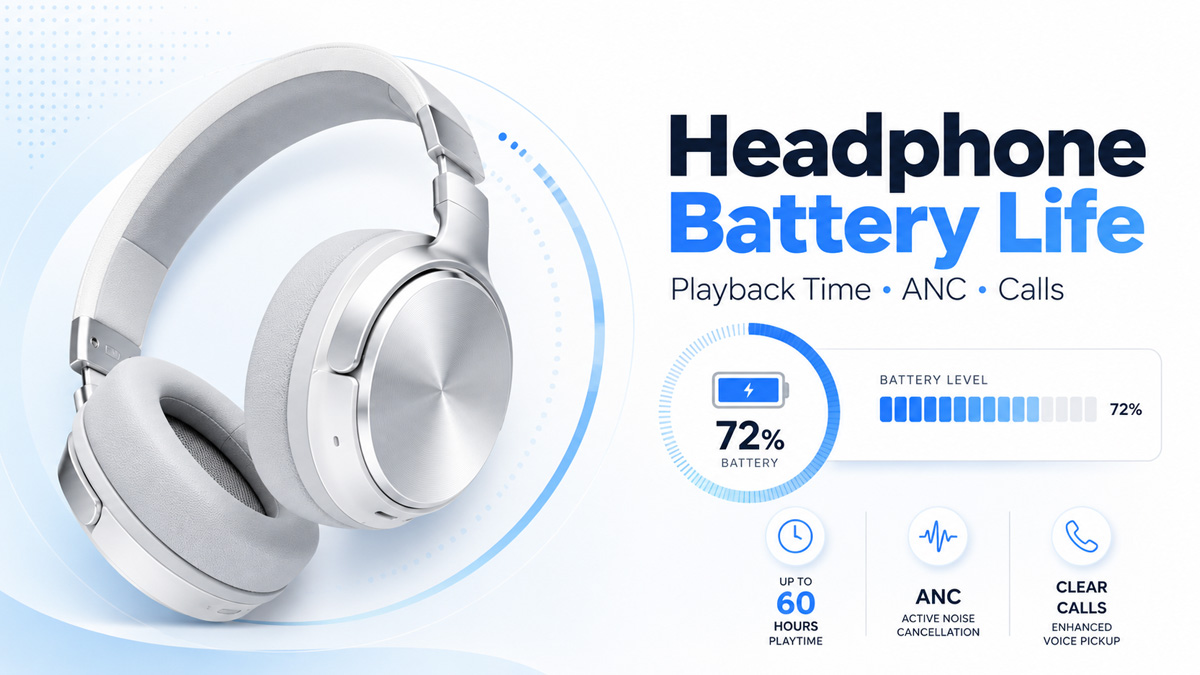
Headphone Battery Life by Brand
Battery life is one of the main differences between wireless headphones from JBL, Bose, Beats, and Sony. Depending on the model and features in use, a full charge can provide roughly 20 to 70 hours of continuous music playback. Bluetooth connection, listening volume, calls, and noise-cancelling features can all affect how long the battery actually lasts. Many compact wireless headphones also use lithium-polymer battery cells because their thin, lightweight design is well suited to limited internal space.
One of the biggest factors is Active Noise Cancellation (ANC). ANC uses built-in microphones and audio processing to reduce surrounding noise, but this requires additional power. For this reason, headphone battery life is usually shorter with ANC turned on.
| Brand |
Example Headphone |
Continuous Music – ANC Off |
Continuous Music – ANC On |
Call Time |
| JBL |
Tour One M3 |
Up to 70 hours |
Up to 40 hours |
Up to 38 hours ANC off / 34 hours ANC on |
| Bose |
QuietComfort Ultra Headphones (2nd Gen) |
Up to 45 hours |
Up to 30 hours |
Not separately specified |
| Beats |
Studio Pro |
Up to 40 hours |
Up to 24 hours |
Not separately specified |
| Sony |
WH-1000XM6 |
Up to 40 hours |
Up to 30 hours |
Up to 28 hours ANC off / 24 hours ANC on |
These figures show how much the way headphones are used can change battery life. JBL Tour One M3, for example, is rated for up to 70 hours of music with ANC off but 40 hours with ANC on, while its maximum call time is lower again. Sony shows a similar pattern, with continuous communication lasting less than continuous music playback.
Bose and Beats also show a significant difference between normal music playback and ANC use. Bose rates its QuietComfort Ultra Headphones (2nd Gen) for up to 45 hours with ANC off and 30 hours with it on, while Beats Studio Pro offers up to 40 hours with ANC off and 24 hours with ANC enabled.
For everyday use, continuous music playback, phone calls, and listening with ANC enabled are therefore more useful measures than simply looking at the highest advertised battery-life number. Actual Bluetooth headphone battery life can also be reduced by high volume, frequent calls, additional audio processing, weak wireless connections, and normal battery aging.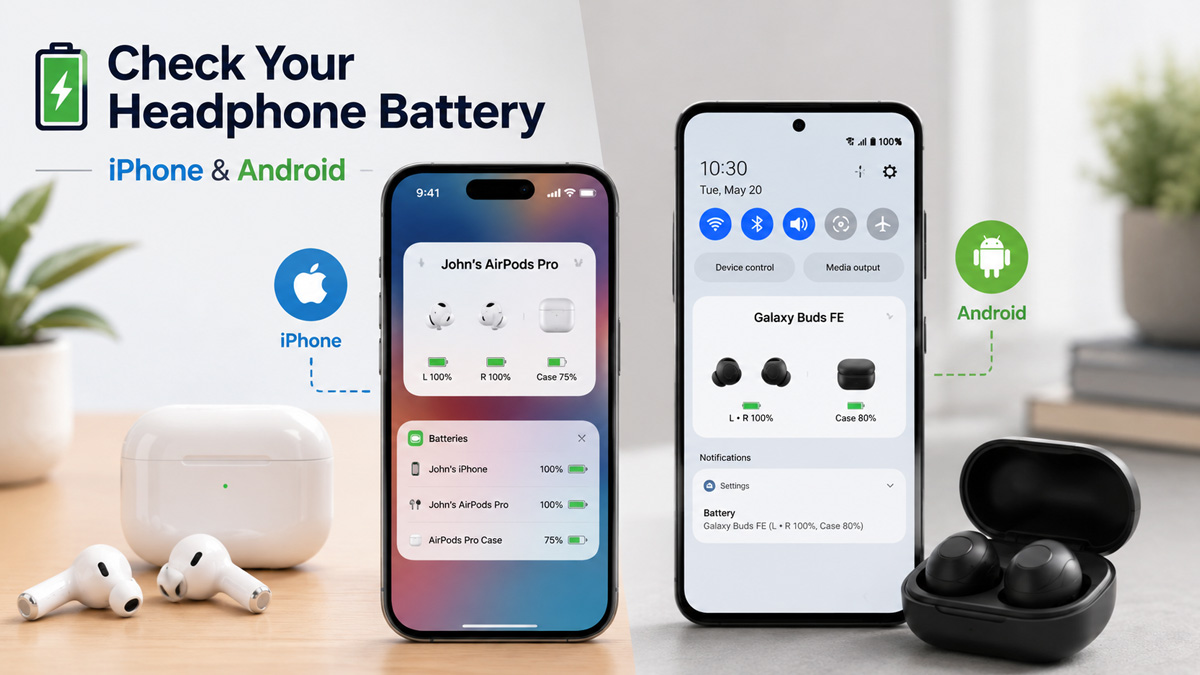 How to Check Headphone Battery on iPhone and Android
Most Bluetooth headphones can report their remaining battery level to a connected phone. This makes it easy to check how much power is left before a commute, call, workout, or long listening session.
The battery level usually refers to the remaining charge shown as a percentage, while battery life describes how long the headphones can continue working on that charge. A headphone showing 50% battery does not always mean exactly half of its rated playback time remains, because volume, ANC, calls, and battery age can all affect power consumption.
• Check Headphone Battery Level on iPhone
After connecting the headphones to an iPhone through Bluetooth, the remaining battery level can usually be checked through the Batteries widget.
1. Connect the headphones to the iPhone.
2. Add or open the Batteries widget on the Home Screen or Today View.
3. Find the connected headphones and check the displayed battery percentage.
Some headphones may also show their battery status when they connect or inside the manufacturer's app, such as apps from JBL, Bose, Beats, or Sony.
• Check Headphone Battery Level on Android
On Android phones, headphone battery level is commonly displayed in the Bluetooth settings.
1. Connect the headphones through Bluetooth.
2. Open Settings > Bluetooth or Connected Devices.
3. Select the connected headphones.
4. Check the remaining battery percentage if it is supported.
Some Android phones also display the headphone battery level directly in the Quick Settings panel or beside the Bluetooth device name.
The exact display can vary between Android manufacturers and headphone models. If the phone does not show a battery percentage, the headphone manufacturer's app may provide more detailed battery information.
A battery percentage is useful for checking the current charge, but it does not directly show the health of the battery. If a pair of headphones reaches 100% charge normally but runs out much faster than it did when new, the battery may have lost part of its original capacity.
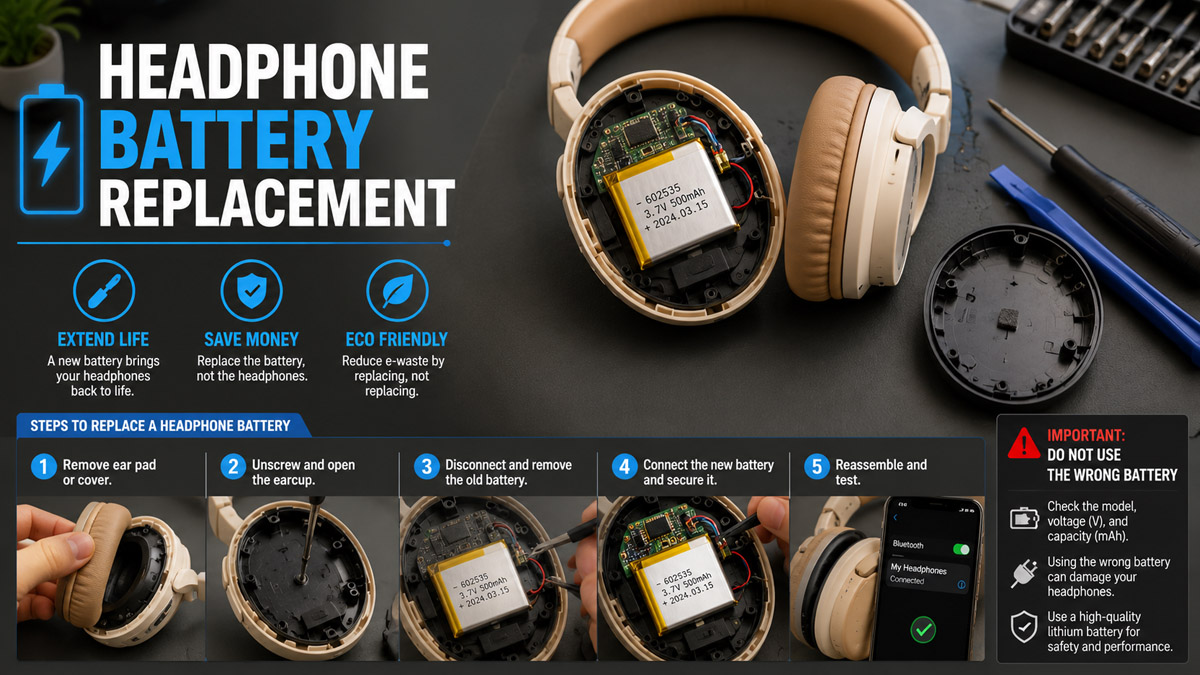
Headphone Battery Replacement
Most modern wireless headphones use lithium-ion or lithium-polymer batteries. When the battery has significantly degraded and runtime becomes much shorter, replacement may be the most effective solution.
• Steps to Replace a Headphone Battery
1. Open the headphone housing carefully.
The battery is usually located inside one of the earcups. Avoid bending, puncturing, or damaging the battery.
2. Check the original battery.
Read the model number, voltage, capacity, dimensions, connector, and polarity printed on the battery.
3. Disconnect the old battery.
Depending on the headphone design, the battery may use a connector or may be soldered directly to the circuit board.
4. Install the replacement battery.
Connect the new battery with the correct polarity, place it securely in the original position, and reassemble the headphone.
5. Charge and test the headphones.
Fully charge the new battery and check the battery level, charging behavior, and playback time.
• Important: Do Not Use the Wrong Battery
Before buying a replacement, open the headphones and check the specifications printed on the original lithium battery. The label usually includes the battery model, voltage, capacity, and physical size.
The replacement battery must have the correct voltage, dimensions, connector, and polarity. These specifications should not be guessed or changed. Battery capacity can be slightly different, as long as the battery still fits properly and remains compatible with the headphone's charging system.
Do not buy a replacement only because it is advertised for the same headphone model. Different production versions may use different batteries, so the safest method is to compare the new battery directly with the specifications printed on the original one.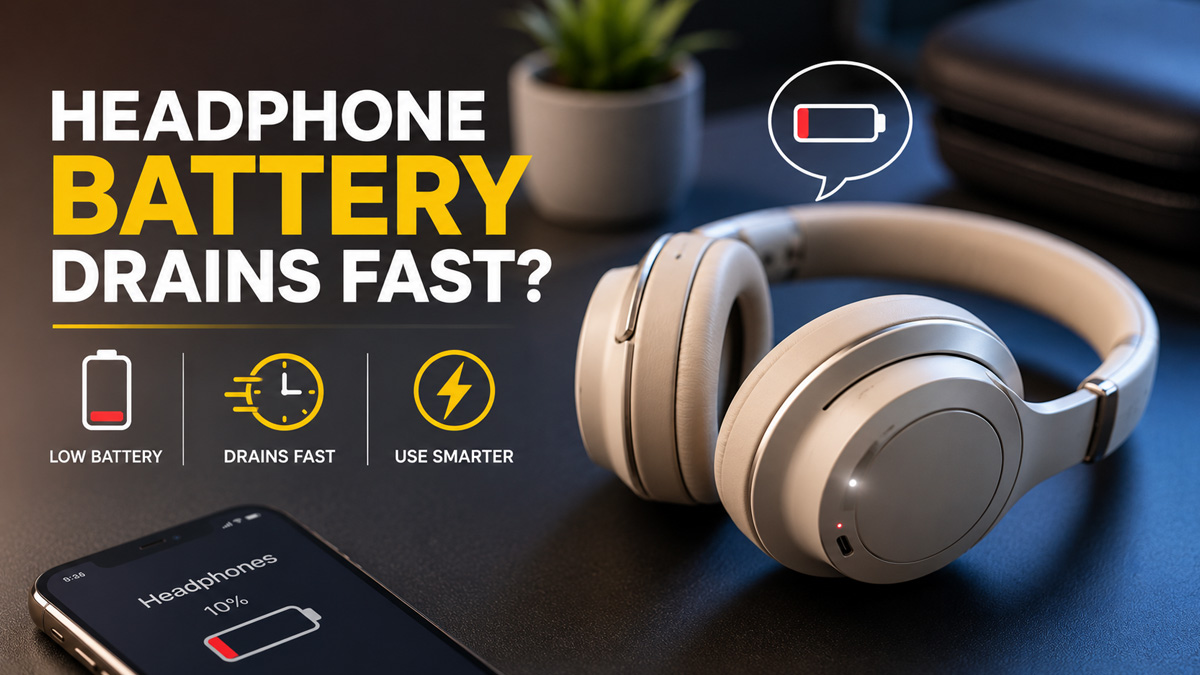
Why Headphone Battery Drains So FastFast battery drain usually comes from two areas: how the headphones are being used and the condition of the lithium battery itself.
• Features and Usage That Increase Power Consumption
Wireless headphones consume more power when features such as Active Noise Cancellation (ANC), high volume, spatial audio, frequent calls, or multiple Bluetooth connections are active. Microphones and continuous audio processing can also make the battery drain faster during calls than during normal music playback.
• Lithium Battery Aging and Capacity Loss
Most wireless headphones use lithium-ion or lithium-polymer batteries. Their usable capacity gradually decreases with charge cycles and age. High temperatures, frequent deep discharges, and long periods at very high or very low charge levels can accelerate this degradation.
As the battery ages, it can still display 100% after charging but store less energy than when it was new. Increased internal resistance can also cause voltage to drop faster under heavier loads such as ANC or calls.
• Improve Headphone Battery Life
Turning off ANC when it is not needed, lowering listening volume, reducing unnecessary Bluetooth connections, and avoiding extreme temperatures can extend daily runtime.
For long-term battery life, avoid repeatedly draining the battery completely and try not to leave the headphones exposed to heat while charging. If an old battery has already lost significant capacity, changing settings may reduce
ConclusionHeadphone battery life depends on both how the headphones are used and the condition of the battery itself. JBL, Bose, Beats, and Sony offer different runtimes, while features such as ANC, calls, high volume, and Bluetooth connections can increase power consumption.
Checking the battery level on iPhone or Android can help manage daily use, but noticeably shorter runtime over time is often related to lithium battery aging and capacity loss. Reducing unnecessary power use and avoiding high temperatures can help extend battery life, while a heavily degraded battery may eventually need replacement.
FAQHow to Check Headphone Battery on iPhone?Connect the headphones to your iPhone through Bluetooth, then open the Batteries widget on the Home Screen or Today View. The remaining headphone battery level will usually appear as a percentage if the device supports it.
How Long Do Beats Headphones Last Battery?Battery life depends on the Beats model and enabled features. Beats Studio Pro provides up to 40 hours of music playback with ANC off and up to 24 hours with Active Noise Cancellation enabled.
How to See Headphone Battery on iPhone?After connecting your Bluetooth headphones, check the Batteries widget on your iPhone. Some headphone models may also display battery level in their manufacturer's app.
How Long Do JBL Headphones Battery Last?It varies by model. The JBL Tour One M3, for example, offers up to 70 hours of continuous music playback with ANC off and up to 40 hours with ANC on.
Can You Replace Battery in Wireless Headphones?Yes. Most wireless headphones use lithium-ion or lithium-polymer batteries that can be replaced, although the difficulty varies by model. Before buying a replacement, check the original battery's voltage, dimensions, connector, polarity, and model information. Capacity can vary slightly, but the replacement battery must remain electrically and physically compatible.


